
Our Solutions
Products built on years of operational experience. Ready to use, configurable, scalable.
Rivinci.io
Platform to create and deploy intelligent AI agents. Connect LLMs, MCP servers and channels (Telegram, web widget, REST API) in one dashboard. One-click deploy, real-time monitoring.
Rivinci Chat for WordPress
Official WordPress plugin to embed the Rivinci AI chat agent into any site via shortcode or floating button. Free on WordPress.org, one-click install.
Rifind.it
Find emails and contacts of local businesses. Rifind searches Google Maps and business directories, visits websites and collects emails, phone numbers and company contacts for you.
Pronto Soccorso Lazio
Android app that shows you the emergency room closest to your location and the least crowded one, ranked by distance and current conditions. Distance, address and one-tap navigation via Google Maps or other navigation apps. Independent app, not affiliated with the Lazio Region: data from official public sources, for informational purposes only.
Rinoova Business Card
Digital business cards for your company. Every employee gets a shareable profile via QR code or link, downloadable as a vCard contact. Real-time updates, custom branding and APIs to sync with ERP and HR systems. Zero printing, zero plastic, zero waste.
Rifesta.com
Your photos, forever. Collect photos and videos from guests at weddings and events via QR code — no app, no account needed. Auto-sync to Google Photos, real-time shared gallery, GDPR-ready.
What We Build
Tailored solutions for every digital challenge, from idea to launch.
Who We Help
From idea to production. Different sectors, same approach: understand the problem before writing a single line of code.
Custom ERP for production lines
Production, warehouse and orders connected to the minute. Goodbye spreadsheets, goodbye phone calls between departments to check on an order.
Scalable sales platform
E-commerce that loads fast, ranks on Google and closes the cart. More visits, more orders, fewer abandonments.
Fast MVP with scalable architecture
From idea to first paying user in weeks. Architecture ready to scale when investors — and users — show up.
Bespoke management software
Cases, clients and invoices in one place. Fewer tools to pay for, less time wasted jumping between apps.
Omnichannel & Inventory
Store, e-commerce and warehouse aligned to the minute. Same stock, same price, same customer — wherever you sell.
AI Agents for your team
Reports, analysis and repetitive tasks automated by AI agents trained on your processes. People go back to deciding, not extracting data.
Our Work
Real projects, measurable results. Details stay confidential — results speak for themselves.
Lara Gargano — Nutritionist Biologist
Personal website for a nutritionist biologist with offices in Bracciano, Bassano Romano and online. Educational 5-step method, transparent pricing packages, visit booking and WhatsApp integration.
Luxury E-commerce
Custom e-commerce platform with ERP and logistics integration for a luxury fashion brand. Conversion rate +38%.
Podere Sant'Antonio
Website for an organic farm resort on Lake Bolsena: apartments, private beach, pool and event venue (weddings, celebrations) across 35 hectares of nature.
Movimento & Benessere
Website for ASD Movimento & Benessere, a sports association based in Rome. Fitness and gymnastics courses with online booking.
What they say about us
Videos, interviews and content about Rinoova and our products.
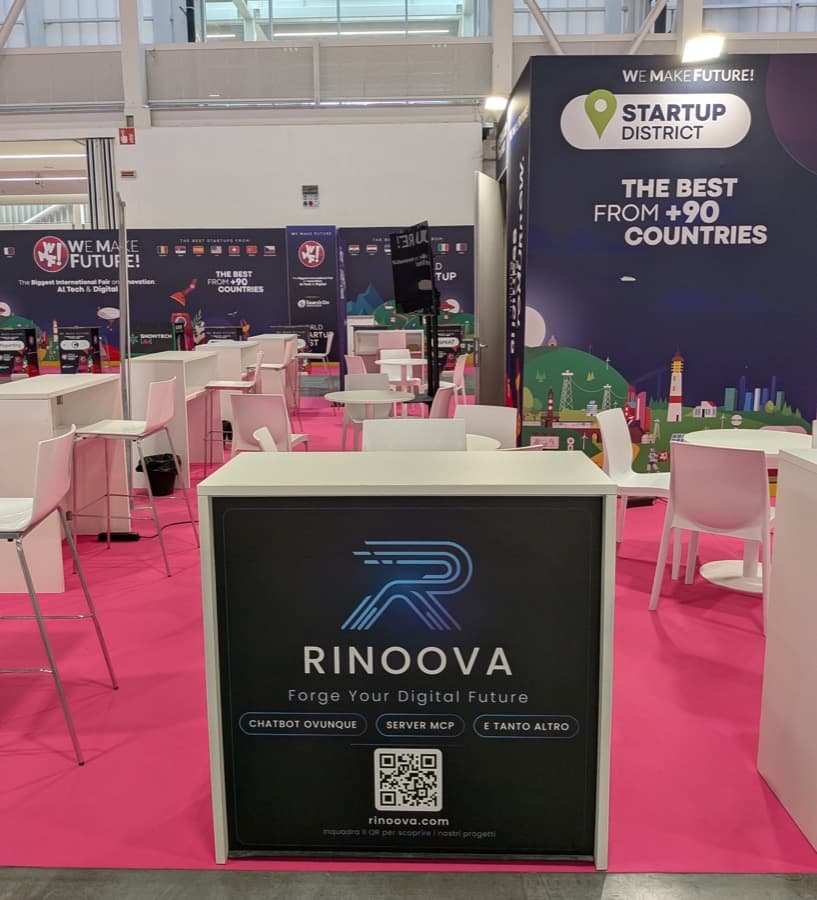
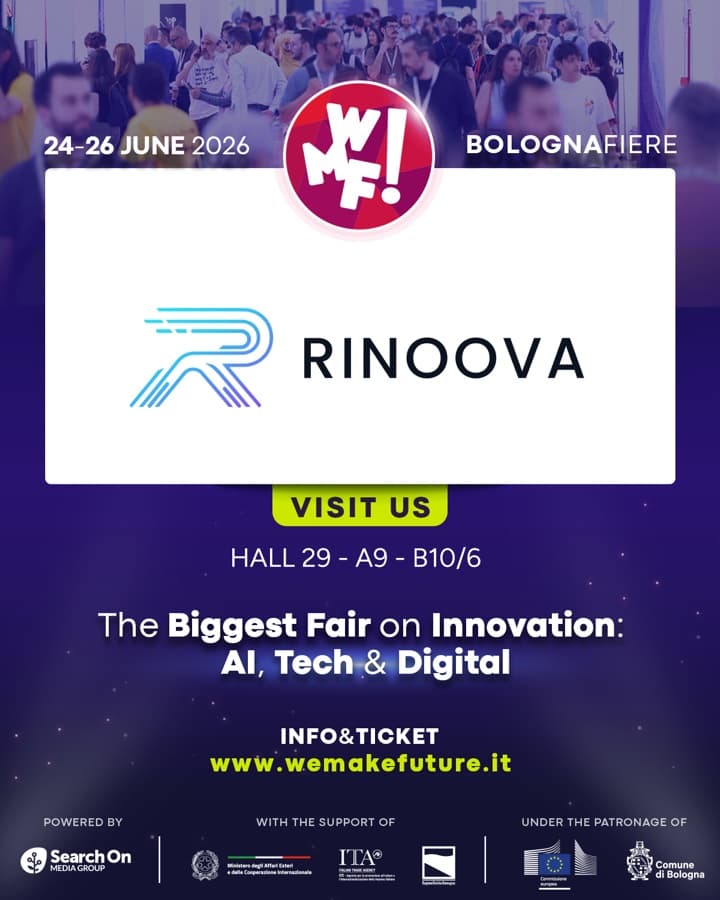
We were at WMF 2026
Rinoova at the Startup District of We Make Future, the biggest international fair on AI, Tech & Digital.
From June 24th to 26th, 2026 we were at BolognaFiere with our booth in the Startup District of WMF – We Make Future, among the best startups from over 90 countries. Three days of live demos, meetings and new connections to share our products and our vision: forging the digital future of businesses.
Talk to us.
Ready to transform your digital presence? We are here to help you build the future. Reach out to discuss your next project.